Getting quotes onto your iPhone
A quote can reach you in three places on an iPhone, and they behave nothing alike: one waits for you to look, one comes and finds you, and one never changes at all. These guides walk through each, with the fixes for when your iPhone decides not to play along.

Setting it up
The rest of the places a quote can live on your iPhone, and how to make each one fit your day.
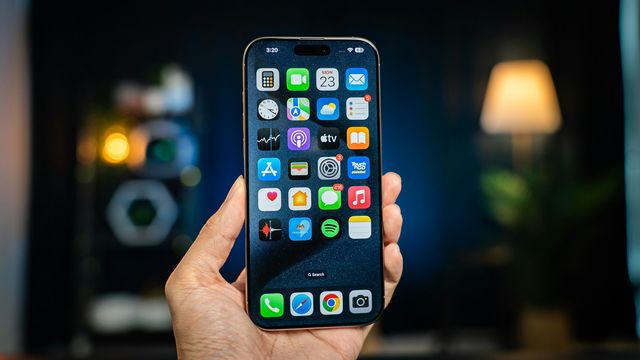
How to add a widget to your Home Screen
Adding, sizing, moving and stacking one, and why an app sometimes refuses to show up in the list.

How to put a Bible verse on your iPhone Lock Screen
On your Lock Screen, on your Home Screen, as your wallpaper or as a notification.
How to link a Lock Screen to a Focus
Work, Sleep and the rest of your day, each with its own wallpaper and widgets, and setups worth copying.
When something is off

The places a quote can land
Worth two minutes before you start, because most of the disappointment with this comes from picking a route that was never going to do what somebody hoped.
| Where | What it is |
|---|---|
| A notification | A quote that arrives and interrupts, at a moment you did not choose, on the schedule you set |
| The Lock Screen widget | A short line under the clock, drawn by iOS in a single tone, new about once an hour |
| The Home Screen widget | A bigger box carrying your background and typeface, with arrows on it |
| A wallpaper | A quote saved as a picture and set as the background, there until you change it |
Most people who stick with this end up running two: the widget for when they glance at their iPhone, and notifications for when they are not thinking about it at all.
These guides cover getting quotes in front of you. Everything else about the app (saving quotes, writing your own, changing how it looks, Premium and billing, what the app knows about you) is on the help page, which has a search box over the lot of it. If you are still deciding which app to use at all, the comparison pages put Dailies next to the other quote and affirmation apps on iPhone. And if none of it answers the thing you came for, help@mydailies.app reaches a person: the person who wrote the app, in fact.
Start today with something good.
Set it up once. Dailies takes it from there.