











Daily motivation, straight to your Lock Screen.
Short motivational quotes on your Lock Screen and Home Screen, at a different moment each day. Pick your topics and your hours, then get on with your day.

Make one for you. Send one to someone.
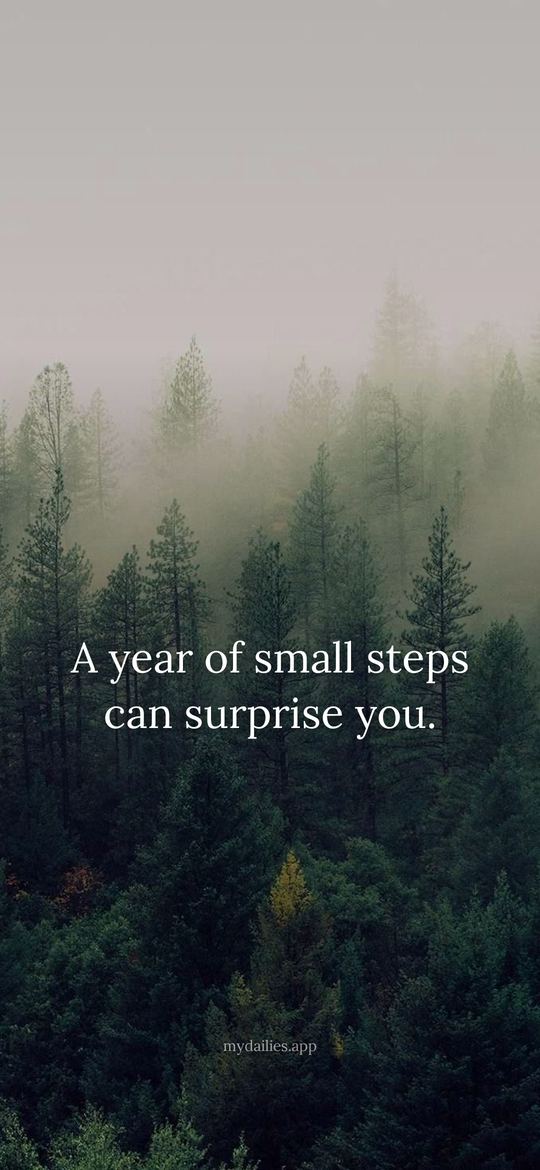
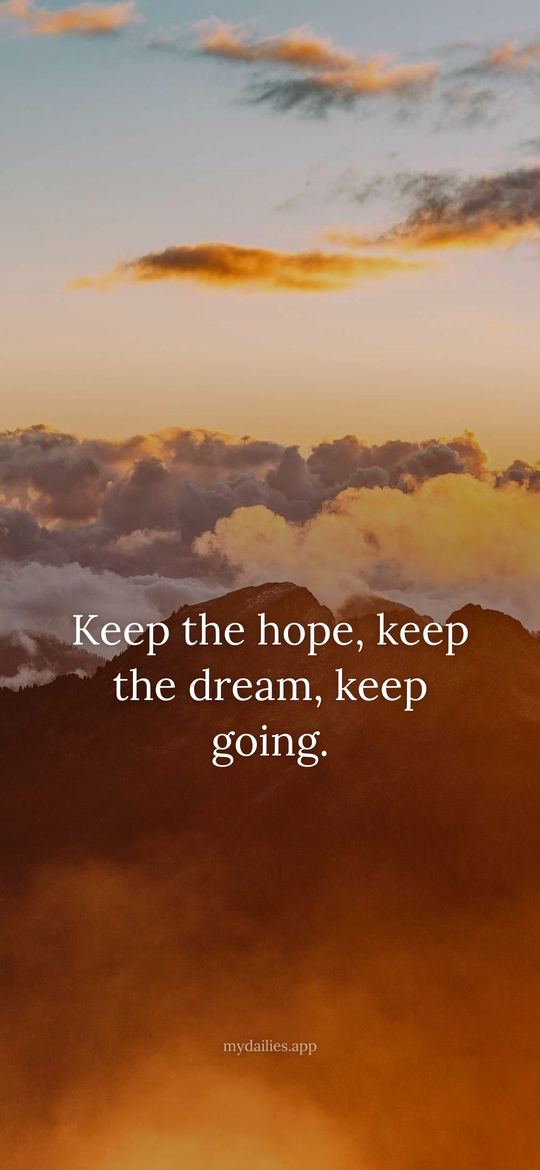
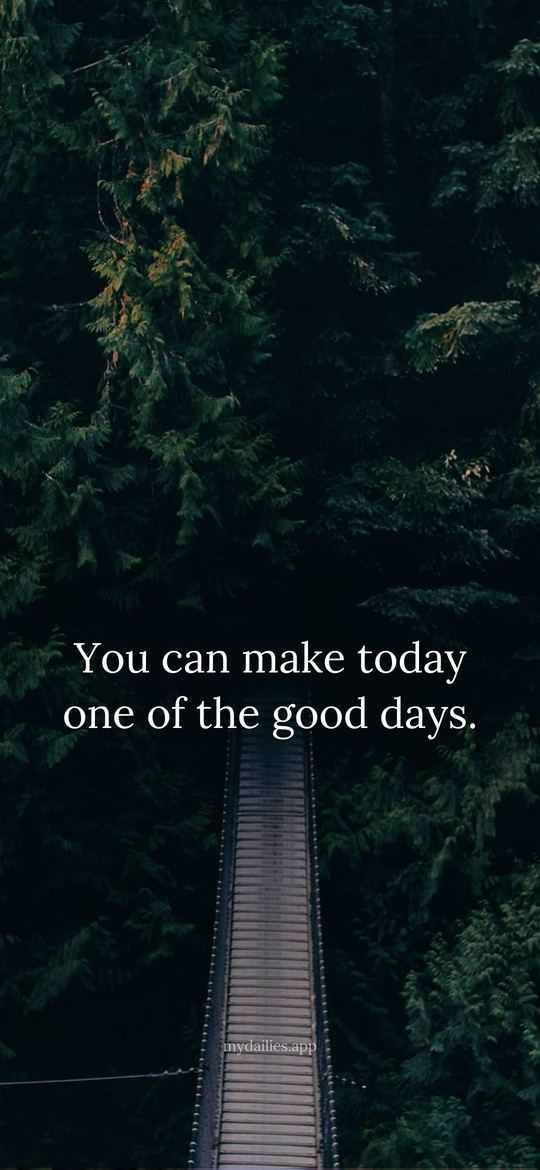
Quote wallpapers for your Lock Screen
Pick a line and a background, and save it in seconds.
Send someone a few kind words
They get a little envelope that opens to your line. No app needed.
What it looks like on your iPhone.
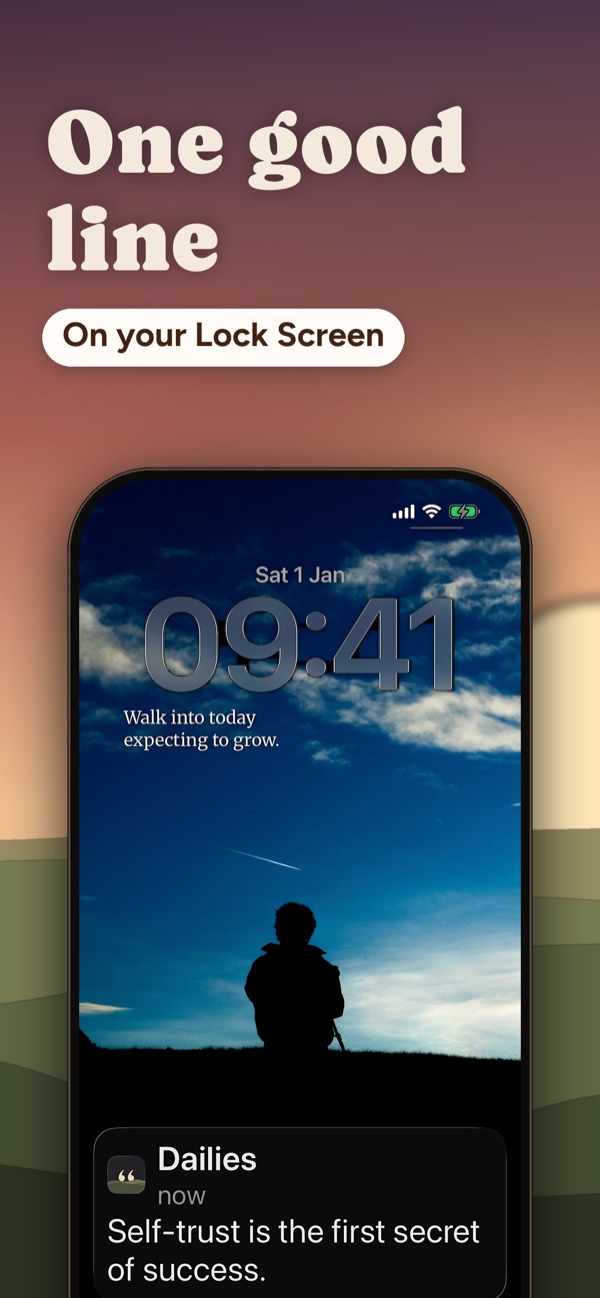
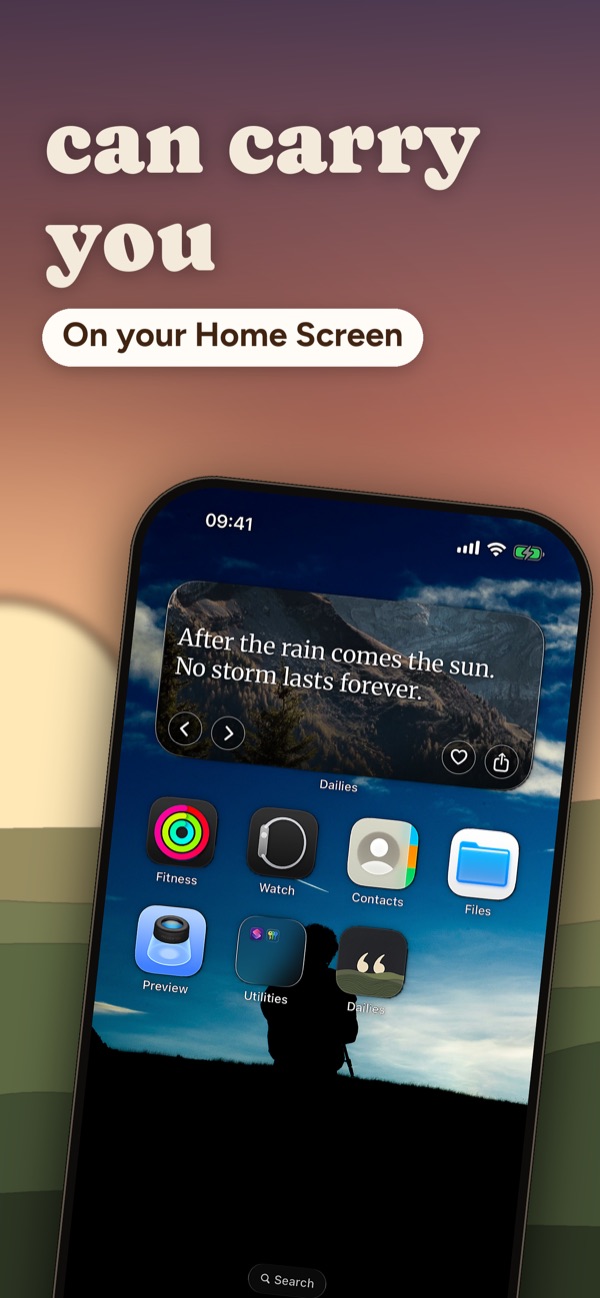
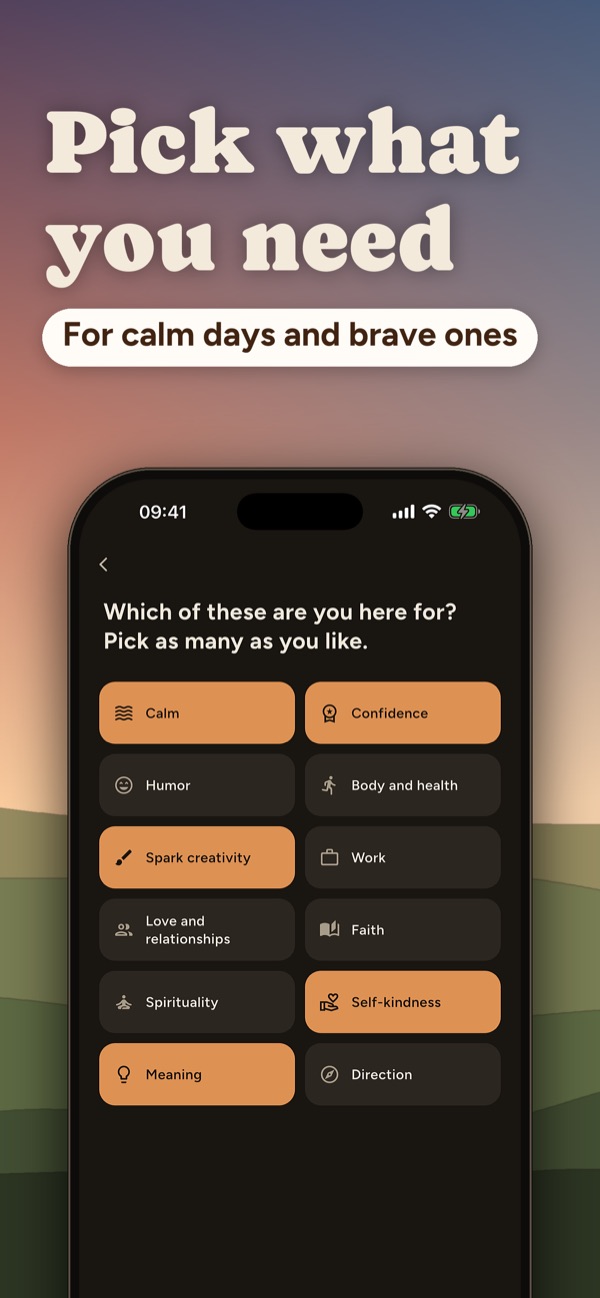
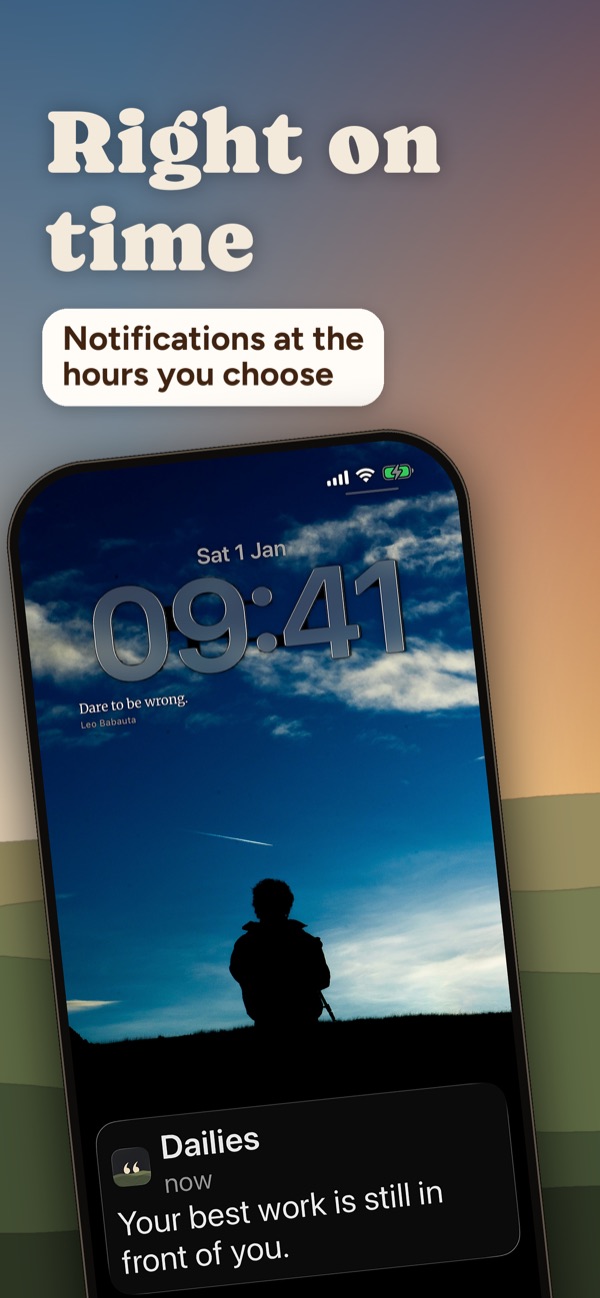
Pick a topic. See what lands.
These are real topics from the app, and real quotes from its library.

You are also as strong as your strongest link.Kahlil Gibran, The Prophet
Set it up once, and forget about it.

Pick what you're into
Choose a few things you care about. Change them whenever you like.

Set your pace
A couple a day, or a few more. It's up to you.

Get on with your day
Good words show up. Read them, save them, pass them on.
Motivation, without the shouting.
Quote collections for the moments you need one, and straight answers about how motivation works.

How to motivate yourself when you have no motivation
Why motivation usually shows up second, and what to do before it does.

Motivational quotes for hard times
Quiet lines for getting through today, and for the long dark stretch.

Morning motivation: quotes to start your day
Better things to read first thing than your inbox.





Questions.
What is Dailies?
Dailies is a daily motivation app. It sends you short motivational quotes from the topics you follow, at a different moment each day inside the hours you choose, and puts one on your Lock Screen and Home Screen. There are no ads and no sign-in. When you want more, there is a feed to swipe through, and nothing to keep up with.
Who is Dailies for?
Anyone who wants a small, steady push without another habit to manage: a line on the Lock Screen between meetings, a calm one at night, a funny one when the day drags.
Do I need to open the app to get my daily motivation?
No. Quotes arrive as notifications, and a fresh one waits on your Lock Screen and Home Screen widget. Open the app when you want to read on, look back at the ones you saved, or write your own.
Can I choose which motivational quotes I get?
Yes. You follow the topics you care about (calm, confidence, humor, work, health, faith, creativity and more), and Dailies picks from those. Change them whenever you like, along with how often you hear from us and the hours you are happy to be reached.
Can Dailies send quotes at random times of the day?
Yes. Pick how many quotes a day you want, and the hours and days you are happy to hear from us, and Dailies spreads them across that window, at different times each day. A quote you did not expect is one you actually read. More in how to get motivational quotes at random times of day.
Can I get Bible verses, philosophy or funny quotes on my widget?
Yes. Follow the Faith topics for Bible verses, the Meaning and Calm topics for lines from Marcus Aurelius, Lao Tzu and Montaigne, or the Humor topics for dry, kind lines. Your widget and your notifications draw from what you follow.
Does Dailies work on the iPhone Lock Screen?
Yes. Dailies has a Lock Screen widget and a Home Screen widget, so a quote is there the moment you pick up your phone, without unlocking or opening anything. Step by step: how to put quotes on your iPhone Lock Screen, and how to add a widget to your Home Screen.
What makes Dailies different from other quote apps?
Quotes come at different moments inside the hours you choose, rather than once at the same time each day, so they still catch your eye. You follow narrow topics, not broad categories, and every quote carries its author's name. And you can make the widget your own, with photographs, typefaces and quiet effects behind the words, which move on the Home Screen widget. There are no ads at any tier, and no account to make. There is nothing to keep up with: read one when it arrives, and that's it.
What is a good alternative to the Motivation app?
If you like Motivation but want narrower topics, more ways to style your widget, or quotes that arrive at moments Dailies picks inside your hours rather than on a schedule, try Dailies. The full side by side: Dailies vs Motivation.
Can I save quotes, or write my own?
Both. Heart the ones that land and they are kept under Liked quotes, and you can write your own lines under My quotes. With Premium, Dailies serves both back to you alongside the rest. Your own writing and your hearted quotes are backed up to your iCloud account, so changing or wiping your phone does not lose them.
Is Dailies free?
Yes, there is a free version with a set of topics, backgrounds and typefaces to choose from. Dailies Premium is an optional annual subscription that opens the whole library: every topic, your Liked quotes and My quotes as feeds of their own, every background, every typeface and effect, your own photos and colors behind your quotes, and no wordmark on the pictures you share.
Which devices does Dailies work on?
iPhone, iPad and Android, in portrait or landscape. Search for Dailies on the App Store or Google Play.
Start today with something good.
Set it up once. Dailies takes it from there.