Inspirational quotes for your Lock Screen
Pick an inspirational quote and a background, save it, set it. The words sit below the clock.
Free, no sign-up. The picture is made on your device.
Inspirational quote wallpapers
Tap one to open it in the maker above, then save it full size.
Inspirational quotes about hope
-
Keep the hope, keep the dream, keep going.
Your hope can lead the way while your courage catches up.
A door that stayed shut today can still open another day.
Use this linePatience is trust in your own future.
Use this lineYou are allowed to be excited about your life again.
Use this lineYou can be grateful for this chapter and ready for the next.
Use this lineA hopeful mind sees paths that fear cannot.
Use this lineCarry your history with grace and your future with hope.
Inspirational quotes about courage
The courage to start is really the courage to believe in tomorrow.
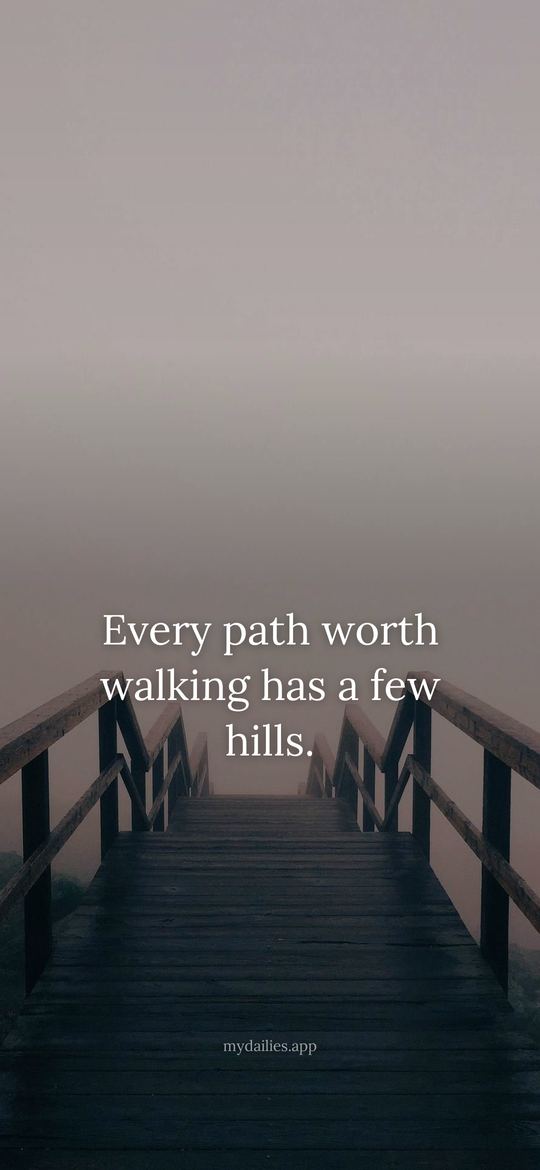
Every path worth walking has a few hills.
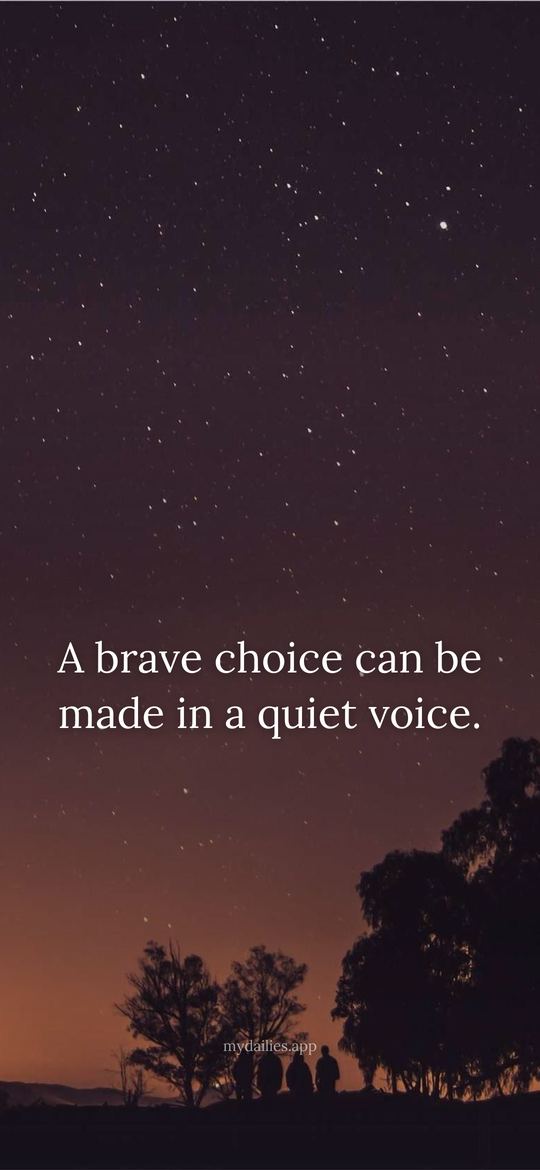
A brave choice can be made in a quiet voice.
Use this lineA single brave moment can carry you further than years of waiting.
Use this lineOnly courage can set the course of a life.
Vauvenargues
Use this lineRewards come only to those who dare.
Ernest Renan
Use this lineEach act of courage writes something new into your life.
Use this lineNew chapters are written by people brave enough to start them.
Inspirational quotes about wonder
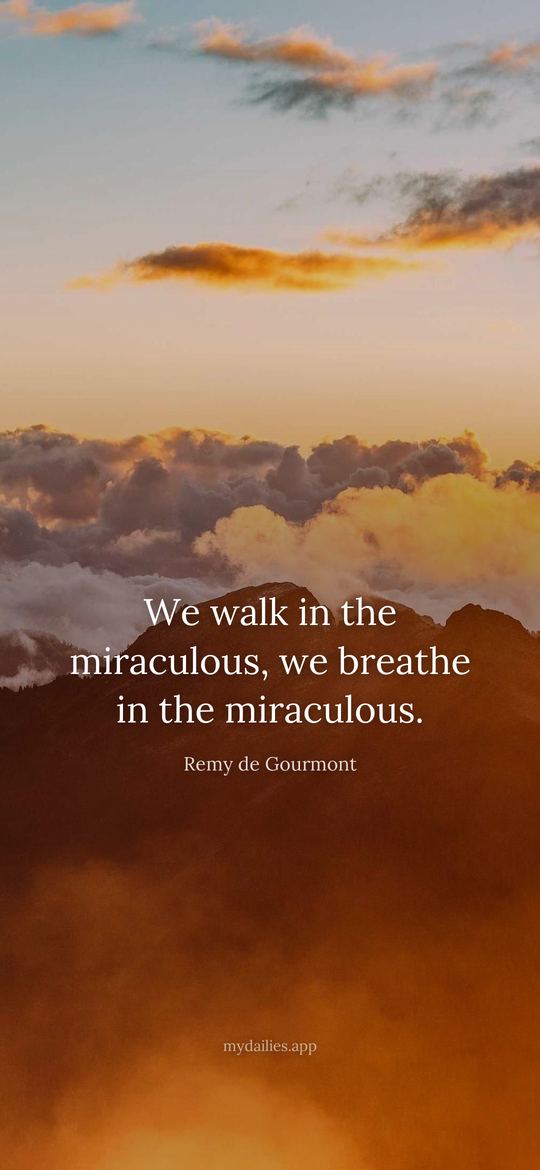
We walk in the miraculous, we breathe in the miraculous.
Remy de Gourmont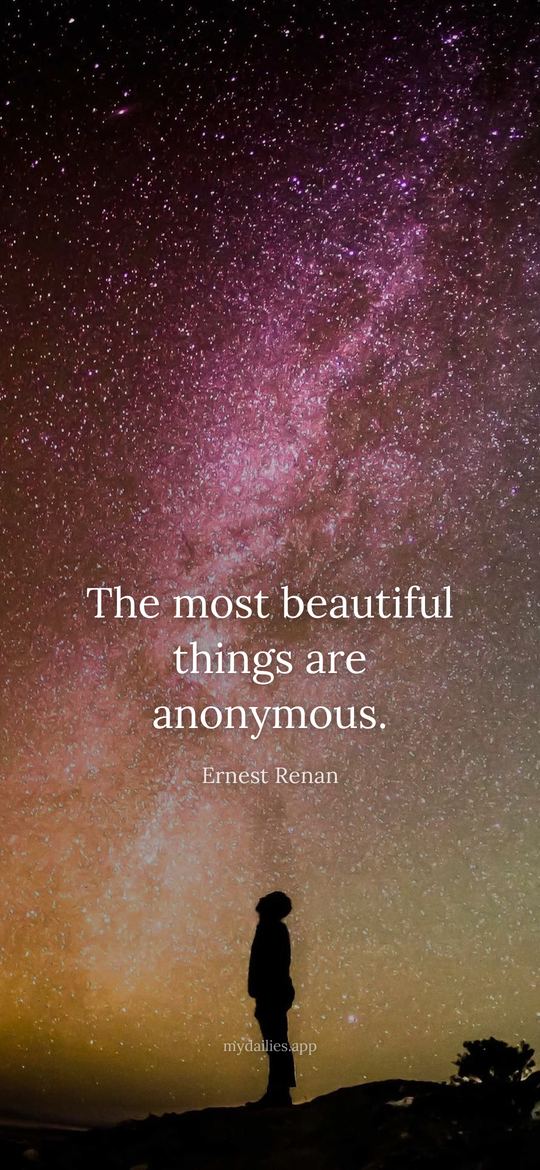
The most beautiful things are anonymous.
Ernest Renan
Everything in nature is song, because everything is a voice.
Alphonse de Lamartine
Use this lineEyes raised to the sky are always beautiful, whoever they belong to.
Joseph Joubert
Use this lineWhat we call endless time may be a minute between two miracles.
Ernest Renan
Use this lineFor a poetic soul, each day's sun is a new sun.
Miguel de Unamuno
Use this lineThe good of the world rests in the smallest, most particular things.
Ernst von Feuchtersleben
Use this lineBeautiful things are lovable; they adorn life.
Anatole France
Inspirational quotes about purpose
Nothing that we do, is done in vain.
Charles Dickens
Every good deed done for humankind echoes down the centuries.
Almafuerte
Believe you are meant for meaningful things.
Use this lineYou are not preparing for life. This is some of it.
Use this lineStay close to what matters, day after day.
Use this lineNotice what you are curious about. That is where you will go furthest.
Use this lineIn almost any subject your passion for the subject will save you.
William James
Use this lineLet us make our whole life into a kind of verse.
Ramón del Valle-Inclán
How to set it as your Lock Screen wallpaper
On iPhone
- Tap Save this wallpaper, then Save Image. The picture goes to your Photos.
- Open Settings → Wallpaper and tap Add New Wallpaper.
- Tap Photos and choose the picture.
- Tap Add, then Set as Wallpaper Pair, or Customize Home Screen for something calmer behind your apps.
On Android
- Tap Save this wallpaper. The picture goes to your Downloads.
- Open it in Google Photos or your Gallery app.
- Tap the menu (the three dots) and choose Use as or Set as wallpaper.
- Choose Lock screen.
The full guide, with tips for keeping the clock off the words and rotating several with Photo Shuffle: how to make a quote wallpaper on iPhone.
Questions
Are these wallpapers free?
Yes. Save as many as you like. Each one carries a small mydailies.app mark near the bottom edge.
What size are they?
1080 by 2340 pixels, the tall shape of a modern phone screen. Your phone scales the picture to fit, and the words stay clear of the clock.
Will the clock cover the quote?
No. The words sit in the lower half of the picture, below the clock and the row where Lock Screen widgets go. If you have stretched your clock extra tall, make it smaller while you customize the Lock Screen.
Who wrote the lines?
Most were written for Dailies. The others are by writers whose work is in the public domain, and their names are under the line.
Can I send one to someone?
Yes. Save it and send the picture, or seal a line in an envelope on words of encouragement.
Know someone who could use a line like these? Send one in an envelope.
A new line every day, without changing your wallpaper
A wallpaper says the same thing every day. Dailies puts a fresh line on your Lock Screen each day, picked for what you care about.